What's new

Infotainment glitches

I will try that. I very seldom use apps or do business on my phone. I will try the playlists there and see what happens. I have 35 playlists on the USB and they all played great before this version of infotainment center. That's why I stayed with the USB, it was quick and simple to use and easy to up date. I do not use iTunes after it scrambled every playlist I had on my desktop and left my with thousands of songs in one big mess - just like this infotainment center does with the USB. Thanks for the suggestion - I'll try it now.
I don't use iTunes. What I ended up doing was buying several cheap USB drives and loading the songs from each file onto a drive. I have a lot of drives but each one plays a file or two and I can switch the USB drives while driving. I couldn't browse files while driving before but now I just plug and play the songs I want with a separate USB drive.
I noticed that when I switch from the USB drive to Carplay it does not always recognize Carplay. I have even had to re-connect my phone to the infotainment center or turn off the truck then restart to re-boot the Carplay. That only started happening after I strated playing the USB drives.
I will say the big display and the 360 camera are with the price of admission!
 
Anyone use car play for music and any little thing makes it cut out briefly? Not including warnings ie. lane assist etc. so annoying.
YES, its bugged me for my entire life of the truck, its a 2020. I think it has something to do with the fact when you plug your phone into the system, it starts to index your music on your device. This is the IT guy in me, but my guess is that for my case, my apple music library is really big, I never see the index finish, so I think the indexing is maxing out what little bit of RAM memory the system has and then the audio is struggling to use system resources like cpu/ram whatever the stereo has, the audio can't use it well because the index is taking up all the resources. If we could just be allowed to disable indexing of the devices music library, I think the audio cut outs would go away.
 
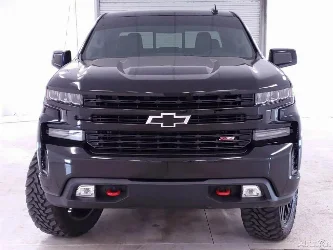
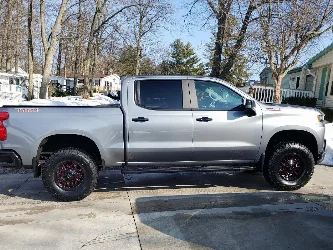
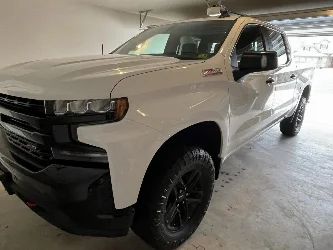
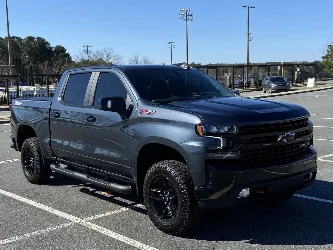
I am disappointed in the 2026 Silvarado LT Trail Boss "upgrade" 13" infotainment system. This is now a deal breaker for me to consider ever buying another GMC/Chevy truck. This is my fourth GMC or Chevy truck since 2000 and with each new truck the infotainment system had LESS capability than before. Now it will not recognize music files on my USB and if I use the USB to play music (I put one file at a time on a USB stick) the Carplay will not switch back on when leaving the USB. It will not light up the icon showing I even have Carplay. So I spend time clicking and punching stuff trying to get it going - I even had to pull off the road, shut the truck off, restart it to get Carplay to come back up. Also Carplay may or may not work anyway. It might start up with the truck normally but when I shut the truck off to go into a store when I restart the truck it never heard of Carplay. No icon in the Audio section or any indication it was ever on my truck. Sometimes it takes several miles of travel before it finally comes on. And yes, it sometimes when I finally do get it to play, it skips even when using the wire connection. For an "upgrade" system in an LT level truck, this is unacceptable. I drove the base level Custom TB and the "basic" infotainment center could recognize my USB music files and Carplay worked just like my 2021 GMC AT4. Now 5 years "newer" the "upgrade" is a much worse system.
 
Back
Top